RED IRON 3D DESIGNER
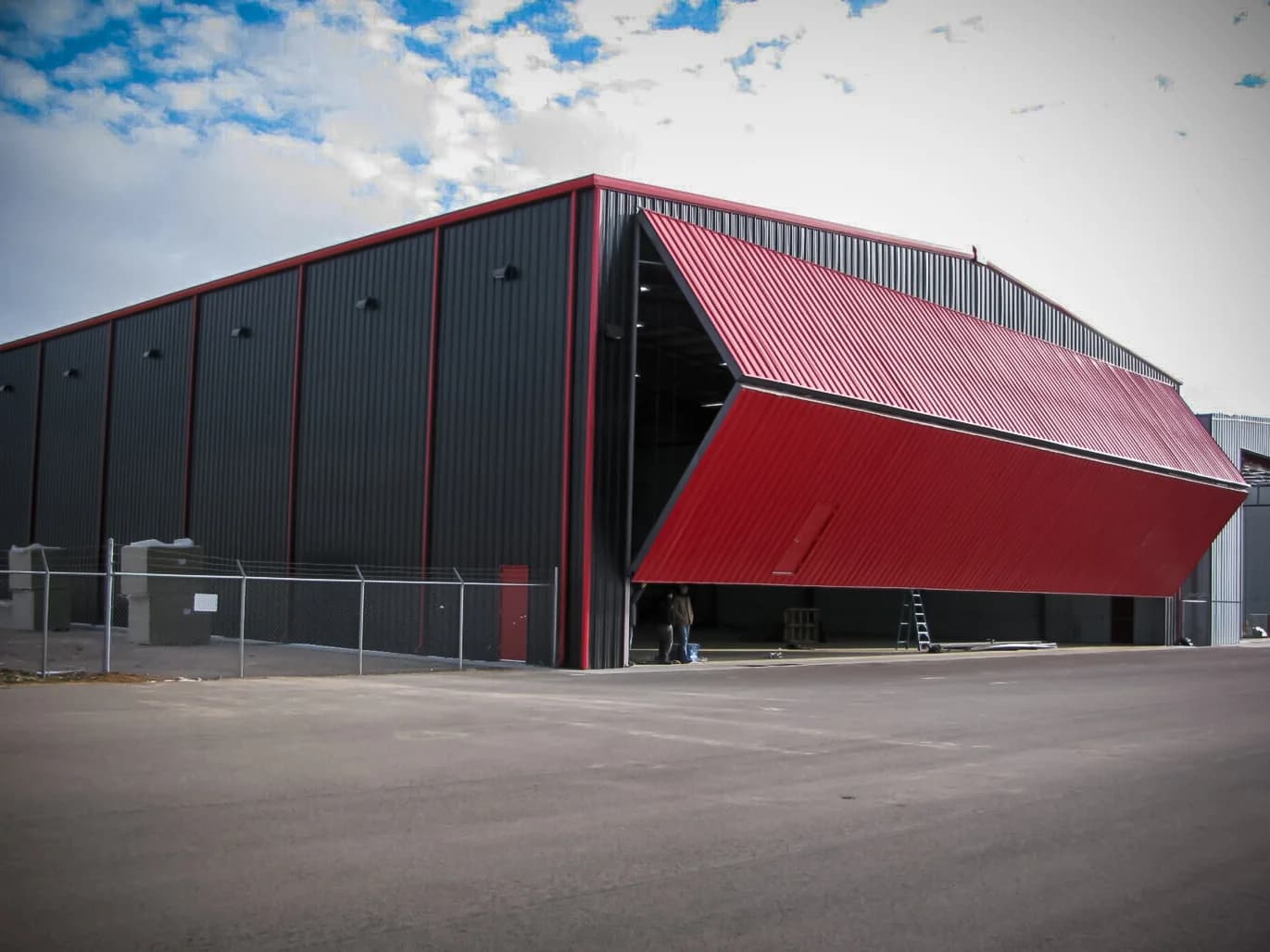
Heavy structural steel for wide open spans and large commercial buildings. Build it below, spin it around, and see it before you buy it.
YOUR RED IRON BUILDING
The designer runs right here on the page. Pick Red Iron at the top left of the tool, then set your size. Hit Full screen for more room. That helps a lot on a phone.
The designer is a Redline 3D tool. Save or send your design from inside it, or start your project below. We check every design against your site and local code before we give you final numbers.
GET THE MOST OUT OF THE DESIGNER
Start with the footprint
Set the width, length, and eave height first. Everything else hangs off those three numbers.
Place your openings
Add roll-up doors, walk doors, and windows where the trucks, people, and light need to go.
Pick the colors
Choose the roof, wall, and trim colors. Spin the building around and check it from every side.
Save and send it
Save your design in the tool, then start your project with us. We match it to your site and local code.
Building a home, shop, garage, or barn? Those use our cold-formed steel line. Open the Cold-Formed Steel Designer or compare the two frames.
DESIGNED IT? NOW GET YOUR REAL NUMBERS
Send us what you built, or tell us what you need. A real person checks the size, loads, and code for your site and comes back with real pricing.